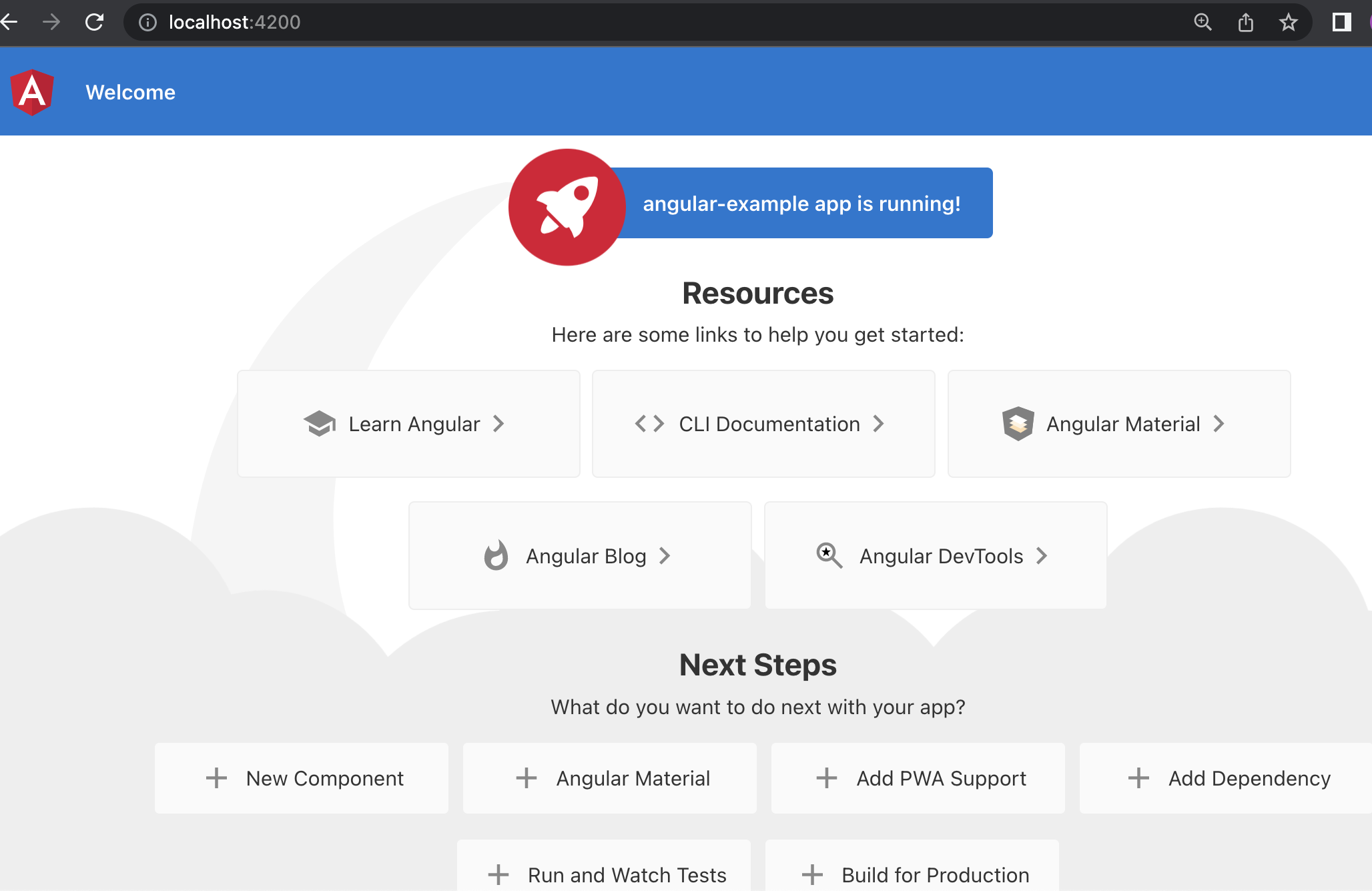
Introduction to Angular
Angular is a powerful JavaScript framework...
Setting Up Your Development Environment
To begin, make sure you have Node.js and Angular CLI installed. Open your terminal and run the following commands:
npm install -g @angular/cli
              ng new my-web-app
              cd my-web-app
Creating the Project Structure
Angular's CLI provides a convenient way to generate components, services, and more. Use these commands to create the initial structure:
ng generate component header
              ng generate component home
              ng generate component about
              ng generate service data
Designing the User Interface
Incorporate Angular's templating syntax to create dynamic and responsive user interfaces...
Implementing Data Binding and Components
Angular's two-way data binding allows for seamless communication between your app's components and templates...
Adding Stylish CSS Animations
Enhance the user experience by incorporating CSS animations...
Integrating Services for Data Management
Create a data service to manage data flow within your app...
Routing and Navigation
Angular's router module enables multi-page functionality in your single-page app...
Optimizing for SEO
Boost your app's visibility on search engines by optimizing for SEO...
Deployment and Conclusion
Finally, deploy your Angular web app to a hosting service...